
How to Search for a Unicoi County Warrant
No official Unicoi County active-warrant search was located. The Circuit Court Clerk links the public to Tennessee’s case-search system, but the office list reviewed for this research did not show Unicoi. That system is office-dependent and does not claim to be a complete warrant index. The dependable start is the court or city printed on the citation, summons, or clerk notice.
Gather the case or citation reference, the court name, and the date on the notice. If you have only a name, ask the clerk which details are needed to locate an existing file. A search result is not a court ruling. Before making plans about an appearance or surrender, get advice from a Tennessee attorney and confirm the steps with the issuing court.
- Read the notice to identify county, General Sessions, or municipal court.
- Use the Circuit Court Clerk for county Criminal, Circuit, General Sessions, and Traffic records.
- Send an Erwin or Unicoi city matter to the named town court clerk.
- Ask the county 911-linked records portal for an existing public record copy when needed.
- Confirm any status or required action with the issuing clerk; do not treat a blank search as clearance.
Unicoi County Warrant Portal Gap
The Tennessee public court-record system depends on a user selecting participating court offices. The selection page inspected on September 20, 2026 did not display Unicoi County, Unicoi General Sessions, or Unicoi Circuit and Criminal options. The Circuit Court Clerk still links to the generic system, so the careful statement is that Unicoi availability was not verified in that view.
This matters when a person is checking their own notice. A portal that omits a local office cannot answer whether that office has a file. Call the clerk with the court and reference from the paper. If the issue is city ordinance traffic, use the city clerk instead of assuming the county portal includes it.
The office selector is visible on the official state case-list page.
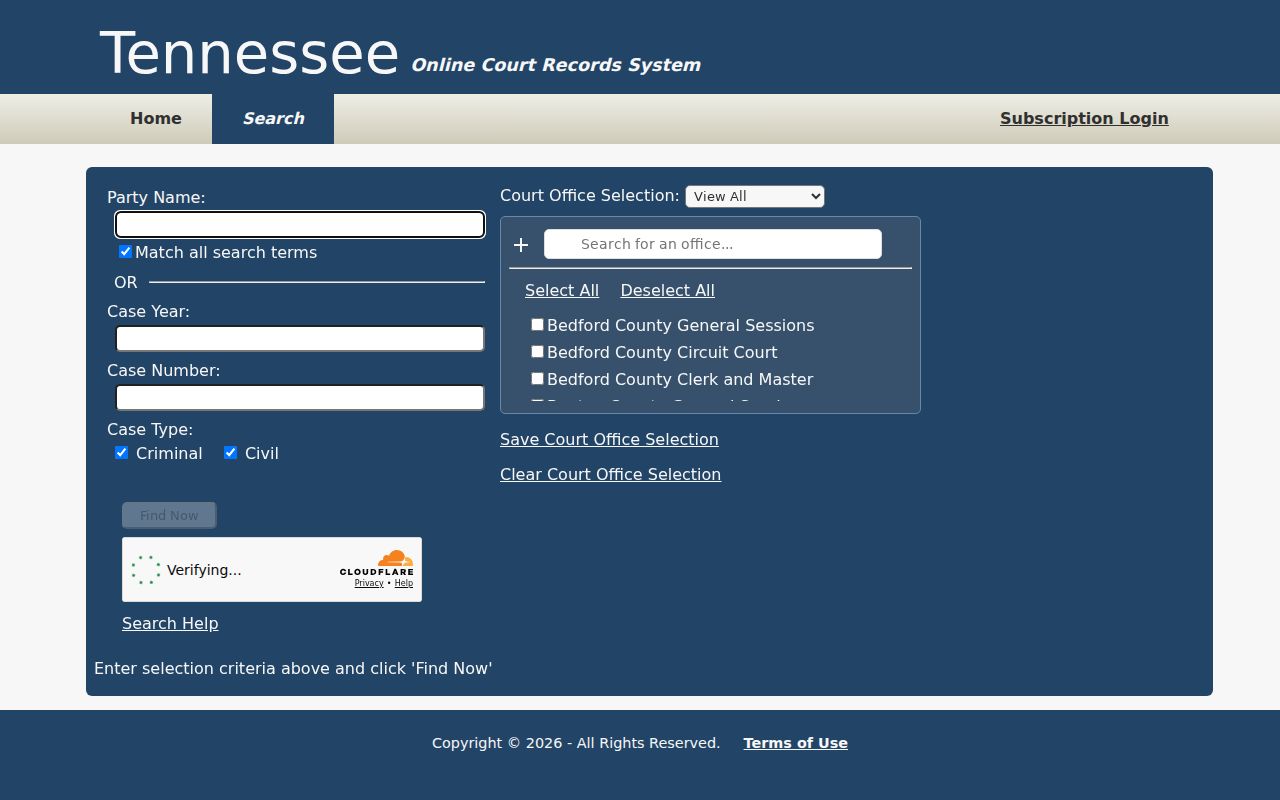
The screenshot records an availability gap at review time, not a negative warrant result.
Unicoi County Warrant Search Fields
The state interface exposes general case-search fields, not a verified Unicoi warrant form. Its help says to search with either a party name or a case reference, not both in the same field. At least one office must be selected. The table describes controls visible on the state system and should not be read as a county-specific search workflow.
| Field Label | Type | Required | Notes |
|---|---|---|---|
| Party or case reference | Text | Use one | Help prefers a full first and last name with match-all. |
| Match mode | Option | No | Match-all or OR behavior is shown. |
| Case year | Text | No | Usually means the filing year. |
| Case number | Text | No | Help says enter the numeric portion after the final hyphen. |
| Case type and office | Selection | Office required | Criminal or Civil type; select a participating court office. |
State Search Controls Have Limits
The Tennessee help page also notes that the first 2,500 rows are displayed, only the first ten words in party or case-reference criteria are considered, and at least one office must be selected. A formatted case number uses the numeric segment after the last hyphen. These details can help someone use the general interface, but they do not solve the local office gap.
The state landing page says records depend on participating court-office availability. A name match in a different office is not automatically a Unicoi record, and a search that returns nothing does not show that a warrant was cleared. Confirm the court name and case reference directly with the local clerk.
The official Tennessee case search displays the generic controls.
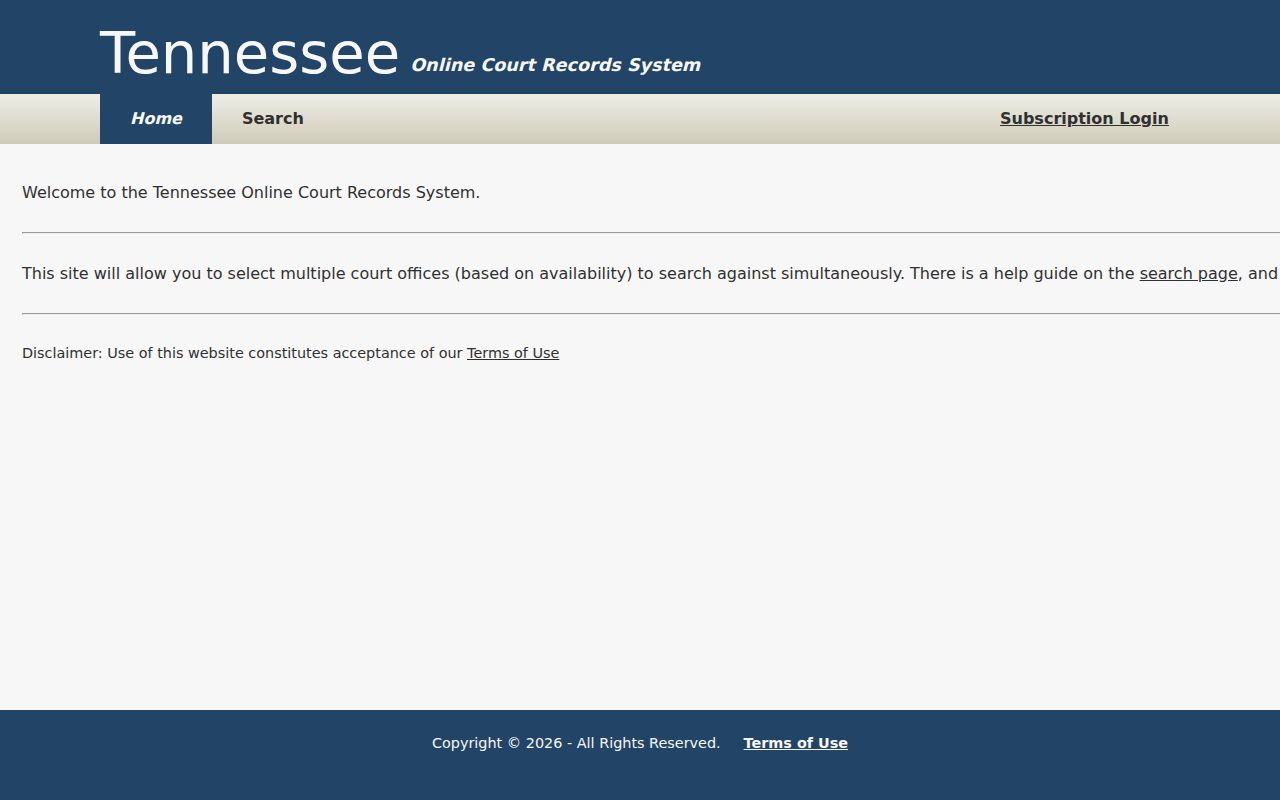
The interface is empty of personal results here and is shown only to explain its fields.
What a Unicoi County Warrant Search Returns
No local result schema was verified because no Unicoi warrant search page was found. A court file may include the process label, case or citation reference, offense, issuing court, and bond fields, but actual contents vary by record and access rule. Ask the issuing clerk what public record exists rather than inferring a status from a generic portal screen.
| Reference | Case or citation number No county warrant-number pattern was found. |
|---|---|
| Process | A Tennessee form may call it an arrest warrant, attachment, or capias. |
| Offense or event | Use the court record for the filed charge or missed appearance. |
| Issuing court | Identifies the clerk who can confirm the court record. |
| Bond terms | Forms include bond fields; no Unicoi-wide amount is published. |
| Status | Confirm current status with the issuing court; the state search is not a local warrant roster. |
A Blank Search Is Not Clearance
The county has several separate record lanes: Criminal and General Sessions files, Erwin and Unicoi ordinance dockets, juvenile matters, Chancery matters, and federal cases. The state portal does not show every office, and public access has statutory and court-rule limits. A blank page may reflect office selection, a separate custodian, or restricted access.
For a possible county criminal case, call the Circuit Court Clerk. For an ordinance citation, call the city named on it. For a law-enforcement question, the sheriff’s published general number can route a caller, but the public page does not promise phone confirmation of a warrant.
Where Unicoi County Warrants Are Checked
The first contact depends on the document. Darren Shelton’s Circuit Court Clerk office maintains county Criminal, Circuit, General Sessions, Juvenile, Probate, and Traffic court records. Randy Trivette is the Erwin City Court Clerk; Amanda Cottrell is the Unicoi City Court Clerk. The sheriff’s office covers law-enforcement and jail functions, but its page does not publish a warrant list.
The Circuit Court Clerk page identifies Darren Shelton and the county record divisions.
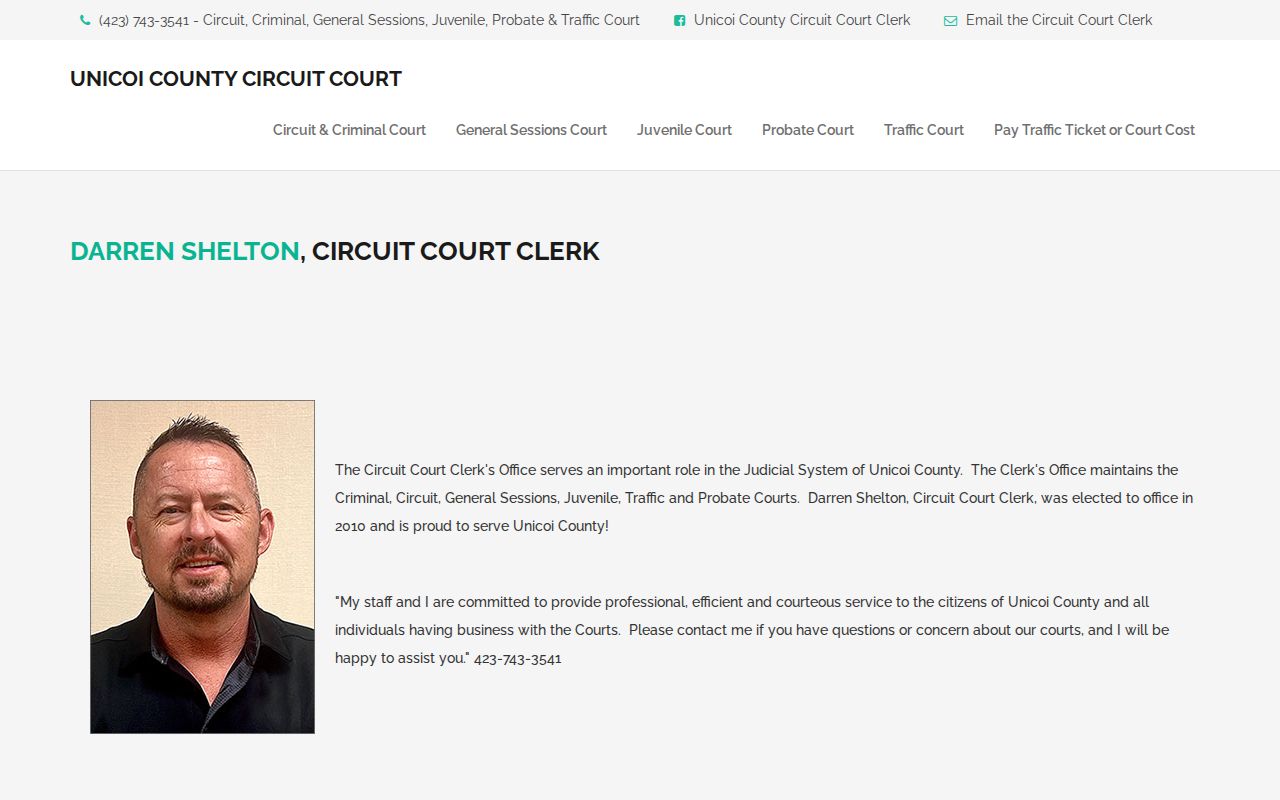
Use the clerk’s office to route a county court-record question to the proper division.
For copies, the county 911 site links to a public-record request form that says to allow three to five business days. For an out-of-county state case, the state portal may help if the relevant office participates. Federal docket searches run through the Eastern District of Tennessee and PACER, not the county sheriff.
Request the Record You Need
A public-record request should describe an existing record with enough detail to find it. Name the likely clerk or office, the court, the case or citation reference, and the type of record, such as a docket entry or service return. The county 911 portal is a general request route, not a warrant-status service. Its form fields were not exposed in the research fetch.
The Tennessee Comptroller says an office generally need not create a new report or answer a broad legal question. If a clerk says the record belongs elsewhere, ask for the correct public contact. The county form’s three-to-five-business-day estimate is not a guarantee of immediate access or resolution.
The official county 911 site places record requests under its Quick Links.

Use that route for a specific county record, then contact the court separately about any action required.
The linked county request form asks the public to allow three to five business days.
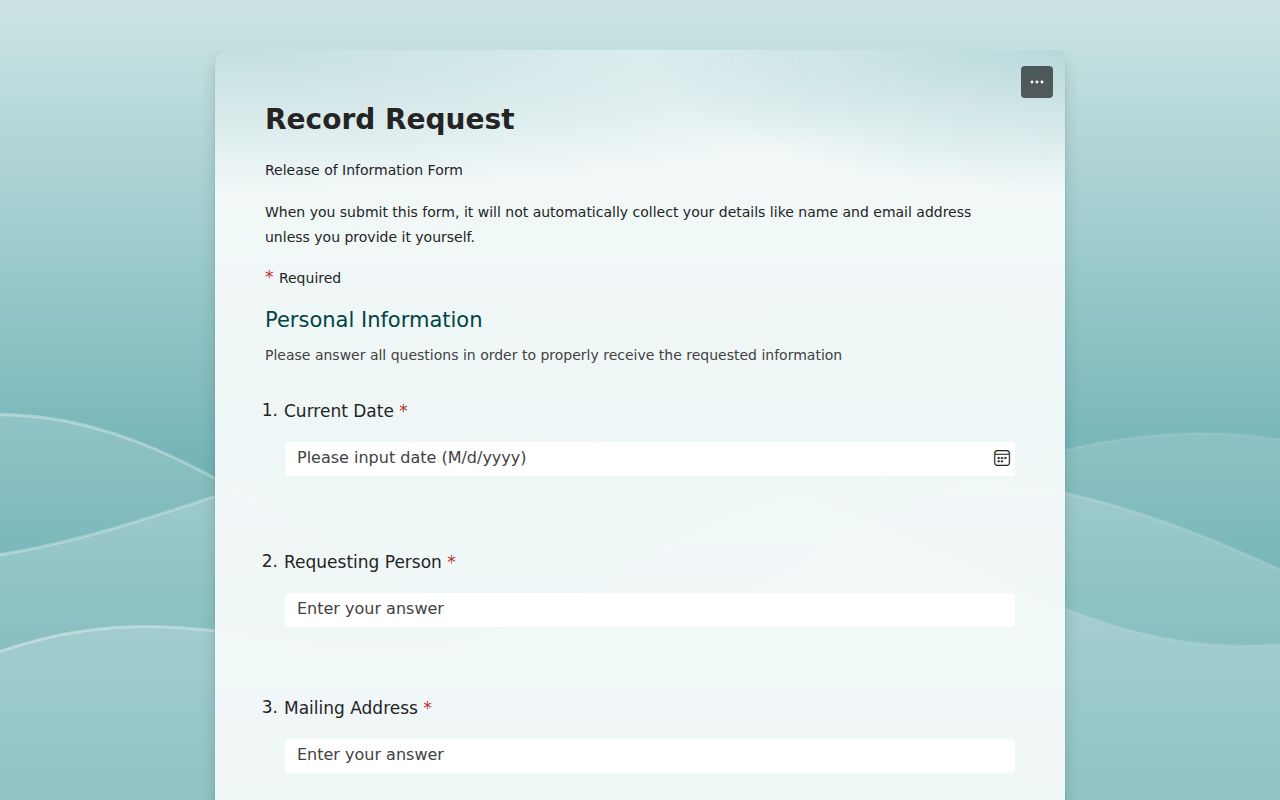
The form route requests records; it does not return an instant warrant status.
Access and Restricted Warrants
Tennessee’s Public Records Act and Supreme Court Rule 34 provide access rules, with exceptions for records protected by law, court order, seal, or other rule. Juvenile law-enforcement records have special limits under T.C.A. § 37-1-154. A public request can seek a record that is open, but it cannot make a protected record public.
Key Rules:
Rule 34 access is subject to sealing, protective orders, and other court-record exceptions.
Juvenile law-enforcement records follow special statutory restrictions.
No public Unicoi portal was verified; an empty or unavailable search is not a finding that no warrant exists.
Unicoi County Warrant Access Rules
The state’s public-record landing page explains that search coverage depends on the court offices available to the user. The county clerk can identify whether a file is held locally and which request method applies. Do not ask a records desk to decide whether a person is legally clear; ask for a specific public record, then seek advice from the issuing court or an attorney.
The Tennessee Supreme Court’s Rule 34 page sets the court-record access framework. Public access can be limited even when a related case is known. A request for a juvenile file, sealed warrant, or protected address may be denied or narrowed under the applicable rule.
Read the official Rule 34 access page for the court-record limits.
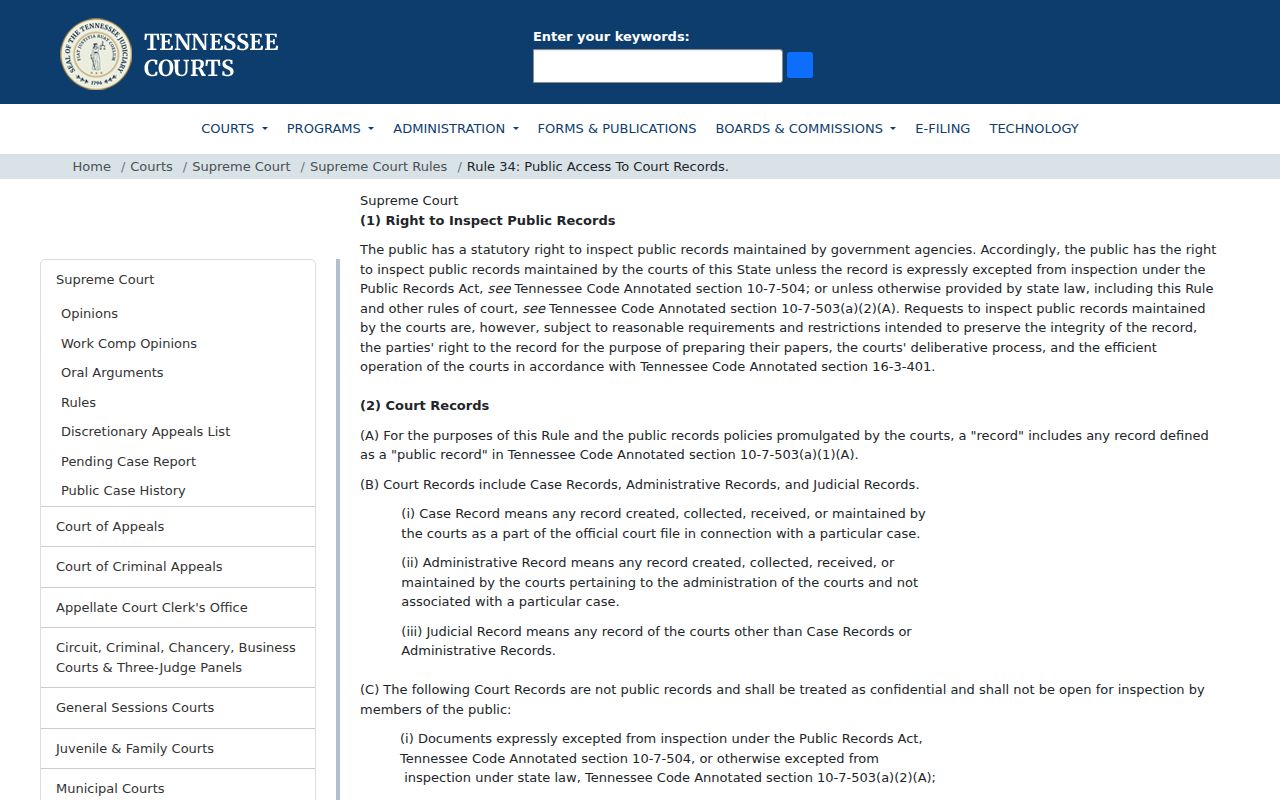
The rule explains access rights and limits; it does not provide an individual case result.